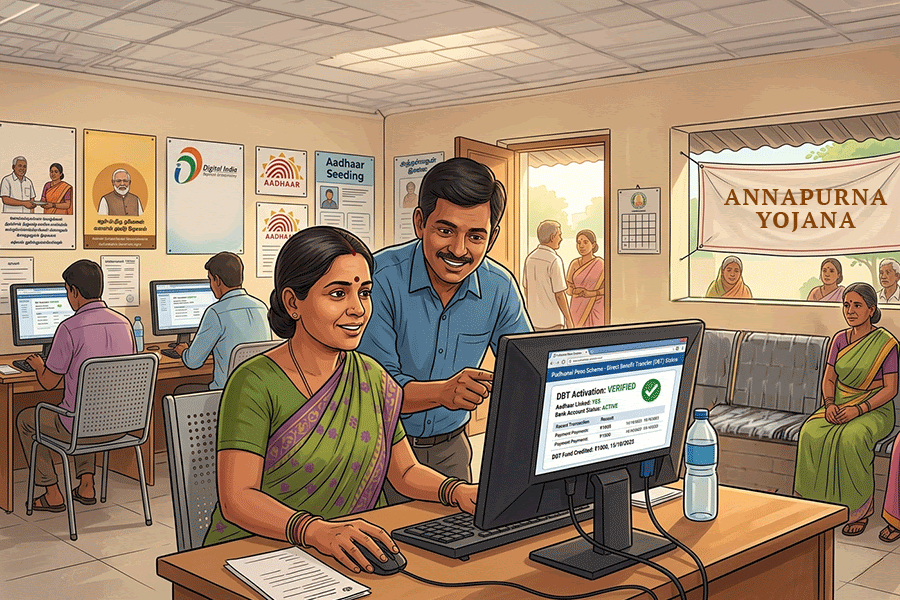
Those seeking the monthly Rs 3,000 benefit under the BJP government’s Annapurna Bhandar scheme in Bengal will have to link their Aadhaar card with their bank account and complete National Payments Corporation of India (NPCI) mapping for Direct Benefit Transfer (DBT).
Those who fail to complete Aadhaar seeding and NPCI activation may not receive DBT in their accounts, even if they are receiving benefits under the Lakshmir Bhandar scheme.
Here is a step-by-step guide to complete the process online or offline.
Link Aadhaar number to account number
Before checking DBT status, make sure your Aadhaar is linked to your bank account.
You can complete Aadhaar seeding through:
- Net banking
- Mobile banking app
- Aadhaar seeding services provided by banks
- Offline process at bank branch
Visit your bank branch
- Ask for the Aadhaar seeding or DBT activation form
- Fill in your Aadhaar number and bank account details
- Submit a self-attested copy of your Aadhaar card
- Request activation for DBT benefits
The bank will verify the details and update the Aadhaar-bank linkage.
Online process
- Log in to net banking or your bank’s mobile app
- Go to “Services” or “Aadhaar Linking”
- Enter your 12-digit Aadhaar number
- Verify using OTP
- Submit the request
How to check if your account is enabled for DBT
Beneficiaries can verify whether DBT is active in their account through multiple methods.
Through myAadhaar portal
- Visit the myAadhaar portal
- Log in using Aadhaar number and OTP
- Check the Aadhaar-bank seeding status section
- The portal will show which bank account is currently linked for DBT
You can also:
- Check through mobile banking or net banking
- Call customer care
- Visit the branch
- Use SMS banking services if available
How to change bank account for DBT payments on NPCI website
If your Lakshmi Bhandar money is meant to be credited to one account but another account is linked for DBT, you must update the DBT-linked account.
For example, if you receive money in a Punjab National Bank (PNB) account but your Aadhaar is linked to an ICICI Bank account for DBT, then the PNB account must be mapped as the primary DBT account.
Same with bank accounts, if you have two accounts under the same bank, but the linked account is different, then the account in which you want to receive the money must be seeded.
Step 1: Visit the NPCI website and from the Customer tab, click on ‘Bharat Aadhaar Seeding Enabler’
Step 2: Select the option ‘Request for Aadhaar Seeding/Deseeding’ from the left panel
Step 3: Enter your Aadhaar and select ‘Request for Aadhaar seeding’
Step 4: Select your bank where the Lakshmir Bhandar money is deposited
Step 5: Under the ‘Seeding Type’ option, select ‘Movement - Same bank with another account’ if you are changing account number. If you are changing your bank, then select ‘Movement - from one bank to other bank’
Step 6: Enter the account number and re-enter the account number. You will receive an OTP on the registered number. Enter that to complete the process.
Step 7: Tick the terms and conditions, enter the captcha and submit
Step 8: Verify the update
After a few working days, check again:
- myAadhaar portal
- Bank branch
- Customer care
- Mobile banking app
Ensure the correct account is showing as the DBT-enabled account.
Important things to remember
- Aadhaar details and bank records must match
- Use the mobile number linked with Aadhaar for OTP verification
- Keep acknowledgement slips safely
- Do not close the old account until DBT starts in the new one
Correct Aadhaar-bank mapping is essential for uninterrupted payments of Annapurna Bhandar and other government benefits.