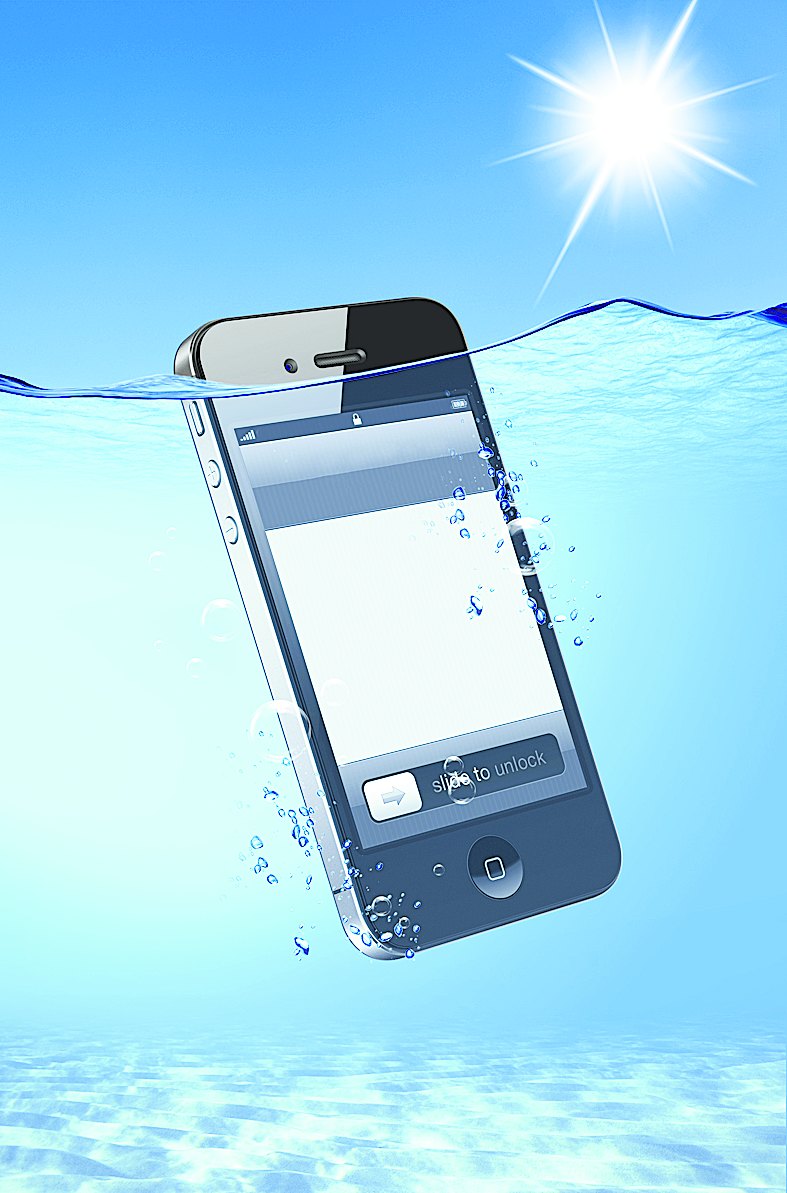

Should your pricey Apple or Samsung device suffer a mishap, there are some unconventional ways to fix them that will save you a visit to the service centre and a whole lot of money.
Once of the worst possible things that can happen to a smartphone owner is dropping it into a puddle of water or, even worse, in the toilet. The speaker will stop working entirely or the sound may be muffled. The screen turns on and off frequently and the camera lens will appear to be foggy. Sometimes even a drop or two of water in the wrong place can potentially ruin your meticulously engineered device.
Should this gut wrenching experience happen to you, the first thing to do is to switch off the phone. Don't waste a second or there could be a fatal short circuit. Remove the case or any other protection you may have put on the phone. Eject the SIM card. Take out the battery from phones that allow you to do that. Use a clean and dry towel to remove any trace of water from the surface of the phone.
Now put the phone into the container where you keep your rice and cover it completely with the grains so that you cannot even see the phone. Put the lid back on the container. Rice is excellent in absorbing water quickly. Leave the phone there for a day or two and resist the temptation to peek into the container every few hours. After two days when you switch on your phone, it will work pretty well again.
Recently, I got a letter from a reader that her iPhone did not have any sound though the phone was ringing. If it were to happen to you too, first look at the switch on the exterior. If it is depressed downwards, it is in silent mode. If not, restart the phone by pressing the power switch and home button together for a few seconds till the Apple logo appears. This may remove the problem.
If your iPhone still does not work, squeeze the bottom right hand corner of the phone just above the speaker. Weird, but it works. Grip it tightly for about 30 seconds and sound will be back.
Sometimes the phone puts off its own speaker because it thinks that it is plugged into the music dock. This happens when dirt gets into the docking area where you charge. You could clean this with a toothbrush, but do it gently and without using any type of oil-based cleanser.
Your smartphone may be on permanent headphone mode. Insert the headphone jack and quickly remove it. Repeat this a couple of times. This will clean any dirt and get your phone's speakers working again.
If you own an iPhone 4 or 4S, you may have experienced the exasperating problem of the connection snapping in the middle of your conversation. This happens because of a design flaw. When you hold the phone too firmly, it interferes with the antennas on the side. The solution is to use a rubber or silicon case so that your hand does not touch the antennas. Don't use a hard plastic case as these grip the sides of the phone too tightly and can lead to call drops.
Have you ever been to a restaurant where your phone does not have any signal? Drop the phone into an empty glass and for some strange reason the signal comes back. At least you will be able to receive calls.
Send in your computer- related problems to askdoss@abpmail.com with bits&bites as the subject line