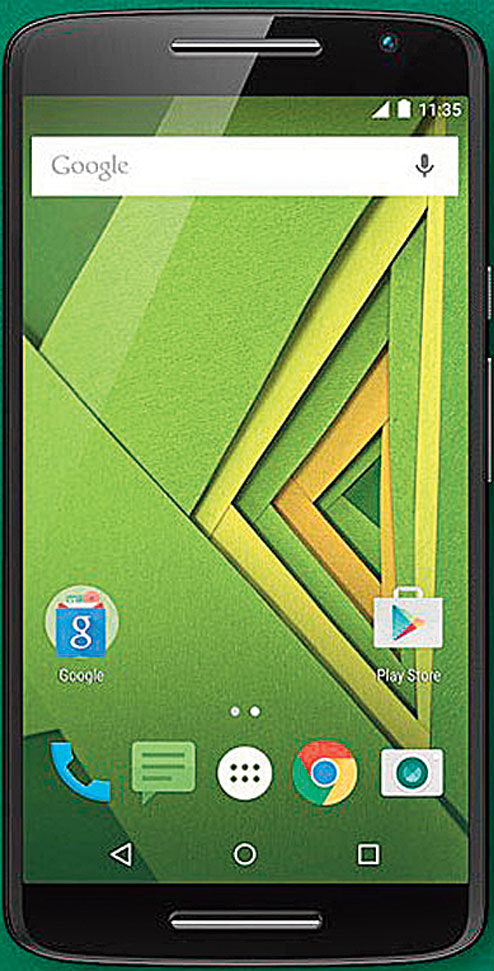
q+a The Moto X Play (32 GB) that I bought a few months back is running out of space and the performance has become sluggish. How can I transfer some of the apps to the external SD card and boost the phone's performance?
Srayan Dhar
I assume that you have upgraded to Android 6.0 Marshmallow. There is a very interesting feature in this that allows you 'adopt' the external SD card as the internal storage on your phone. To turn this on go to the phone's Settings and select Storage. Select the external SD card and then choose the 'Erase & Format' option. You will get an option to 'Format as internal storage'. Choose 'Erase & Format'. On the next page, select 'Use as internal storage' and press 'Next'. You will now get an extended internal storage. You have to move the apps manually here. Go to Settings--Storage & USB--Internal Storage-Apps. Choose the app you need to move. Select 'Change', then select your SD Card and press Move from the 'Move Authenticator'.

To boost you phone's performance use Piriform's CCleaner. It is one of the best PC maintenance tools for Windows machines. Now, it is also available for Android phones. The tool cleans out your application cache, download folders, browser history, and other temporary files. It can also clear your call and SMS log. CCleaner comes with an app manager, CPU, RAM and storage meters, as well as battery and temperature tools.
Safe in Win 10
q+a How do I boot to safe mode in my Windows 10 machine?
Rhea Chatterjee
All this time you had to reboot and press F8 to get to safe mode. But in Windows 10 it is a lot more complicated. Go to Start and click on the power button Press the Shift key and press restart. Go to Troubleshoot--Advanced Options--Startup Settings. Here hit the restart button. You will get various startup options with Safe Mode at number 4. Choose 4 and log in to Windows. In the lower left corner Windows will display 'Safe Mode'.
.jpg)
Block it
q+a I get an irritating link from the GadgetsToUse website whenever I go to any page on my browser. This happens in all browsers, be it Chrome, Firefox or Internet Explorer. I have tried to remove this by Microsoft Defender and Avira, but I have not been successful.
Anshuman Kumar Khaitan
You have been getting this link because you turned on Push Notifications when you visited the GadgetsToUse website. You have to turn this off from your browser settings. You do not need any anti-malware or antivirus software for this.
In Chrome open Settings by clicking on the menu on the top right of the screen. Once it opens click on Show Advanced Settings. Under Privacy open Content Settings. In the popup window that opens scroll down to Notifications. Make sure 'Ask when a site wants to show notifications' is selected. Click the button for Manage Exceptions. Look for a line that begins with https:/rak.pushcrew.com . Select this and block it.
Cut price SIM
q+a The WiFi on my Asus Zenfone 5 is not turning on. I have even tried a factory reset and booted in safe mode but nothing has worked.
Aakash Singh
This problem has arisen ever since Asus rolled out the version 1.17 firmware update for the phone. Later updates to the firmware also did not remove this quirk. You are most probably using a SIM that was trimmed into a micro SIM with a cutter. Get a proper micro SIM card from your service provider. For some reason the phone looses connection whenever you try to make the switch from mobile data to WIFI on a SIM card that was cut.
Send in your computer-related problems toaskdoss@abpmail.com with bits&bytes as the subject line